The Hidden Cost of Ignoring Website Maintenance

 https://www.linkedin.com/company/rem-web-solutions/
 https://www.facebook.com/remwebsolutions
 https://www.instagram.com/remwebsolutions/
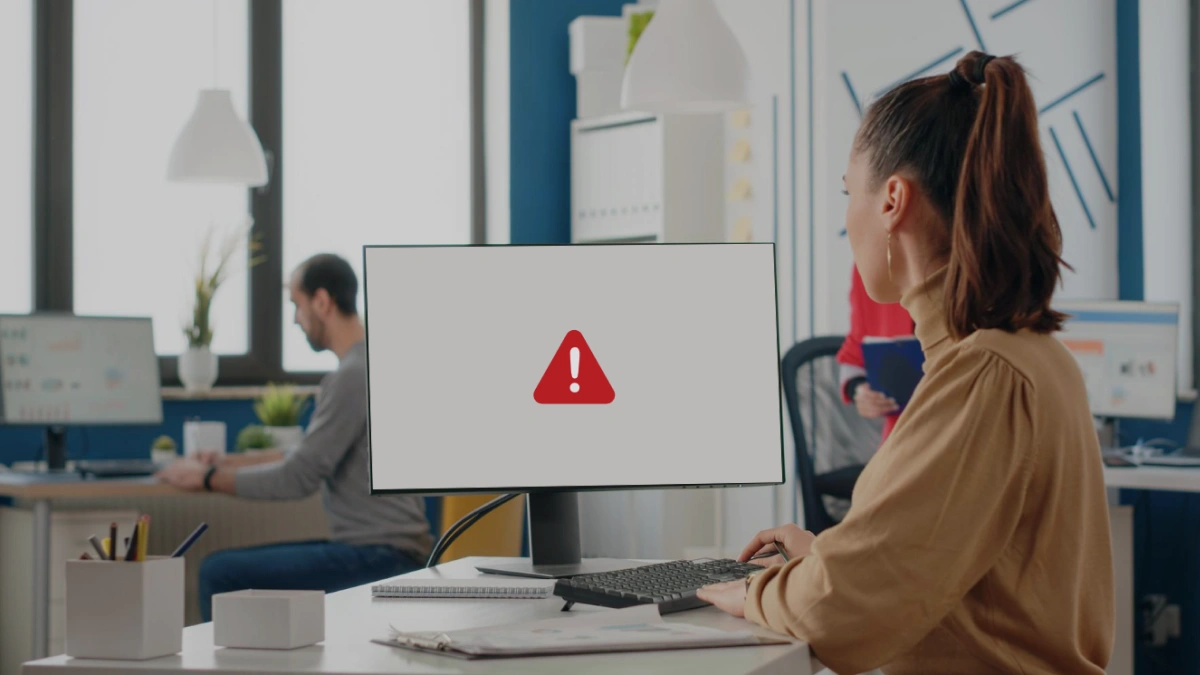
Your website is open for business 24 hours a day, seven days a week. It greets potential customers, answers their questions, and either earns their trust or quietly loses them to a competitor. But here is what most business owners don't realize. A website that looks fine on the surface can be quietly hemorrhaging money behind the scenes, all because of neglected website maintenance.
This isn’t a scary tactic; it’s a pattern we see across businesses of all sizes. Website maintenance is usually discussed in terms of cost: “How much does it cost to maintain a website?” But the real question businesses should be asking is: “What is it costing to ignore it?”
Let's pull back the curtain on the real, often invisible, price of neglect.
What Is Website Maintenance?
Website maintenance is the ongoing process of keeping your website secure, fast, functional, and current. It includes software and plugin updates, security monitoring, content updates, performance optimization, broken link checks, backup management, and technical SEO audits.
Think of it like servicing your vehicle. You wouldn't drive 200,000 kilometres without an oil change and expect everything to run smoothly.
A well-maintained website doesn't just "work." It works for you, generating leads, building credibility, and ranking in search engines.
The 6 Hidden Costs You're Paying When You Skip Maintenance
1. The SEO Rankings You're Quietly Losing
This is arguably the most expensive silent cost of all, and it's one that most businesses don't notice until it's too late.
Google's ranking algorithm favours websites that are fast, secure, up-to-date, and technically sound. When your website goes unmaintained, it slowly loses ground in organic search rankings, and the math is brutal. Dropping from the first page of Google results to the second page can reduce your organic traffic by over 90%.
Think about that. A business generating 500 qualified visitors a month from search could be down to 50 without ever changing a single word on their website. They just stopped maintaining it.
Core Web Vitals, page speed, mobile-friendliness, SSL certificates, and structured data all factor into how Google ranks your website. Every one of these degrades over time without active maintenance. If you're not keeping up with technical SEO maintenance, your competitors will gradually take your spot and your customers as well.
Related reading: 10 Website Design Cues That Scream "Outdated" and how they're quietly killing your SEO and conversions.
2. The Security Breach You Can't Afford
Here’s a number to pay attention to: a website security breach can cost tens of thousands of dollars, often more when you include recovery, legal risk, customer notifications, and brand damage.
At any given moment, over 4 million websites are infected with malware, most simply because they fell behind on updates and security.
Outdated CMS platforms, expired SSL certificates, and unpatched plugins create easy entry points for hackers. When a breach occurs, it affects not just your data but also your customers, your rankings, and your reputation.
The cost of preventing it is far lower than the cost of fixing it.
3. The Customers Who Bounce Before You Even Say Hello
You have about 50 milliseconds to make a first impression online. That’s human psychology, not marketing hype. A slow, broken, or outdated website immediately shapes how visitors judge your business.
Slow load times from heavy code, unoptimized images, or poor hosting drive users away. After just three seconds, bounce rates rise sharply. For e-commerce, even an hour of downtime can mean thousands in lost sales.
Broken links, missing images, and outdated information don’t just frustrate users; they erode trust and push them to competitors.
User experience directly impacts revenue. When maintenance slips, conversions usually follow.
Related reading: The Pros & Cons of Custom vs. Template-Based Websites and why the right foundation makes ongoing maintenance much easier.
4. The Emergency Repair Bill That Blindsides You
There’s a predictable pattern: a business skips website maintenance to save a few hundred dollars and then something breaks. A plugin conflict crashes checkout, or malware gets in, or an update wipes key content.
Emergency fixes aren’t cheap. After-hours support can cost 2 to 5 times more than regular maintenance, and neglected websites usually need more time to repair, not less.
The reality is simple. Preventive maintenance costs far less than reacting to a crisis.
5. The Google Penalties You Didn't Know Were Coming
Google doesn’t just reward well-maintained websites; it penalizes neglected ones.
Outdated CMS platforms, missing HTTPS, poor Core Web Vitals, and stale or duplicate content all sends negative signals. Over time, these issues can trigger ranking drops that hurt your visibility fast.
Recovering from a search penalty is slow and expensive. It can take months to rebuild rankings, while competitors take your traffic in the meantime.
Regular SEO audits and content updates aren’t optional. They’re your protection against losses you won’t see coming.
Related reading: How the Right CMS Makes Your Marketing Life Easier, because the right platform makes consistent maintenance significantly simpler.
6. The Competitive Gap That Keeps Widening
If you’re not maintaining your website, your competitors are, and they’re moving ahead.
Every performance improvement, content update, backlink, and technical fix widens the gap in rankings, user experience, and conversions.
That gap doesn’t stay static; it compounds. And once competitors build authority, catching up costs far more than maintaining your position.
In a world of AI-driven results, zero-click searches, and voice search, consistent maintenance isn’t optional; it’s how you stay competitive.
What Does Proper Website Maintenance Include?
A solid website maintenance checklist for small and medium-sized businesses should cover:
Weekly:
Backup your website
Scan for malware and security threats
Check for broken links
Monthly:
Update your CMS, themes, and plugins
Review Google Analytics performance data
Test all forms and interactive elements
Review and update meta descriptions and title tags
Quarterly:
Conduct a full technical SEO audit
Review and refresh key page content
Test page speed and Core Web Vitals
Audit your internal linking structure
Annually:
Renew your domain name and SSL certificate
Evaluate your overall website design and user experience
Review your hosting plan and server performance
Update your privacy policy, terms, and legal pages
The Bottom Line: Maintenance Is Not an Expense, It's an Investment
Ignoring website maintenance is like ignoring the check-engine light on your car dashboard. It feels like you're saving money, right up until the engine seizes. By then, you're not just paying for the original repair; you're also paying for towing, a rental, lost time, and a much bigger bill than preventive care would have ever cost.
Your website is one of the most valuable marketing assets your business owns. It works around the clock, reaches customers you'd never find otherwise, and represents your brand every single moment of every day. It deserves the same attention and care you give every other part of your business.
Let REM Web Solutions Help You Protect That Investment
At REM Web Solutions, we've spent over two decades helping businesses across Kitchener, Waterloo, Guelph, Cambridge, and beyond build websites that don't just look great on launch day; they stay fast, secure, and competitive for years to come.
Whether you're worried your website has slipped behind, looking for a reliable website maintenance plan, or just want a professional eye to do a technical SEO audit of what you've got, our team is here to help with no pressure and real answers.
Ready to protect your digital investment? Get in touch with the REM team today.
And while you're at it, subscribe to our monthly newsletter for practical tips on website maintenance, SEO, digital marketing, and everything in between. Subscribe here →
Frequently Asked Questions (FAQs)